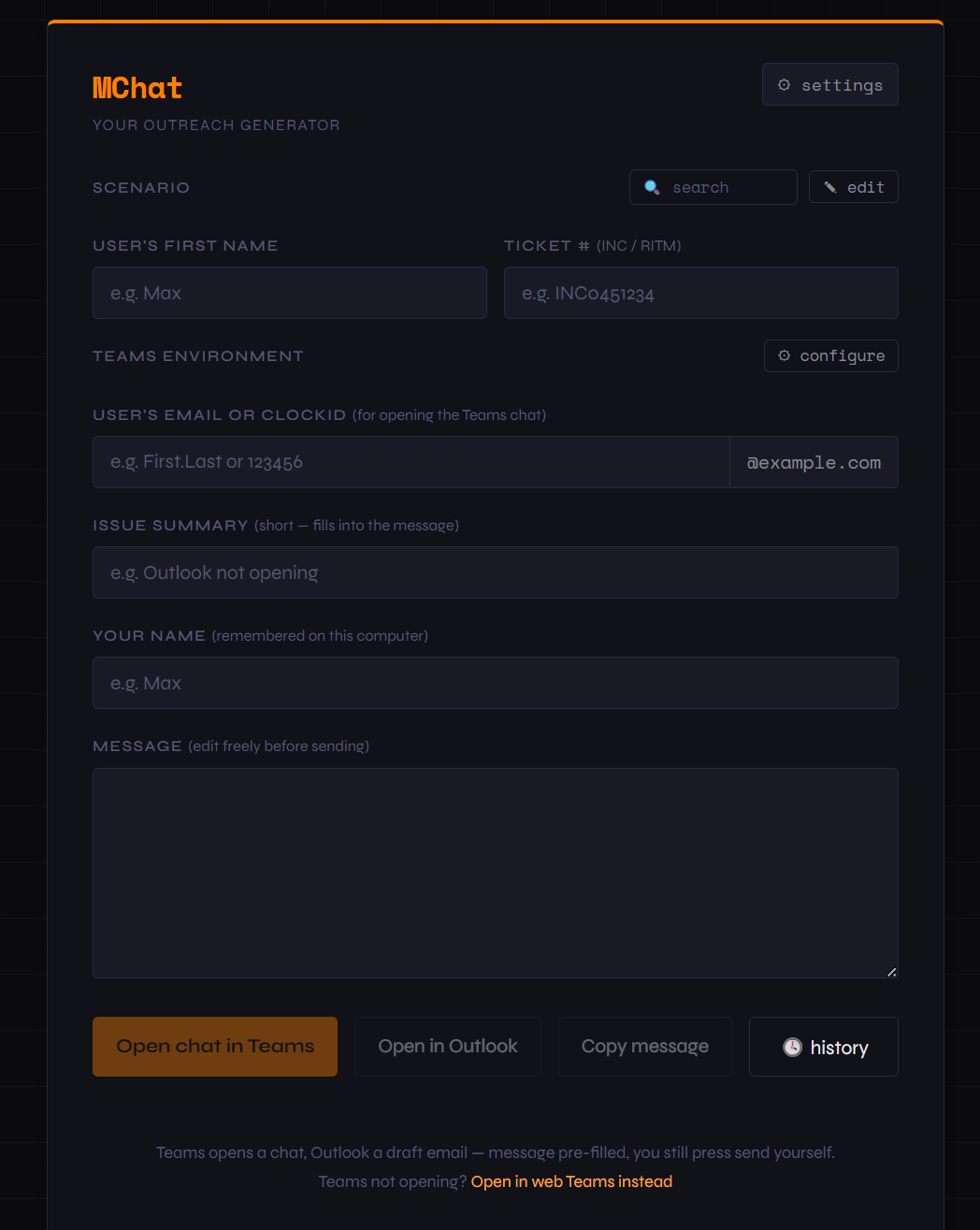
Turn a ticket into a polished outreach message in seconds. Pick a scenario, fill in the caller's details, and open the conversation straight in Microsoft Teams or Outlook — all from a single HTML file.
Why MChat
No cloud. No accounts. No copy-paste gymnastics. One click opens the chat.
Pick a scenario, type a name and ticket number, and the message writes itself — consistent and professional every time.
The entire app is one HTML file — open it in any browser, host it anywhere, carry it on a USB drive.
Open it and go. No sign-up, no sync service, no telemetry — your templates never leave your device.
Capabilities
Everything you need to reach ticket callers quickly and consistently.
Ready-made messages for initial outreach, follow-ups, remote sessions, password resets, and resolution confirmations — or write your own.
Drop {name}, {ticket}, {issue}, {tech}, and {email} into any template and they fill in live as you type.
One click opens a chat with the caller in the Teams desktop app — with your message pre-typed. Web Teams fallback included.
Prefer email? The same message opens as an Outlook draft with an auto-generated subject line.
Switch between organisations — each with its own email domain and optional Teams tenant — so bare clockIDs become full addresses automatically.
Export your scenarios and settings as JSON, move them between machines, or enable automatic folder backups.
Light and dark modes, accent colors, fonts, corner roundness, and background patterns — make it yours.
A one-time setup asks which environments you need and offers auto-backup — then gets out of your way.